Login with Facebook

Friday, March 20, 2009

Using your Windows Mobile Device as Bluetouth Mouse and remote control

Use Your Phone as a Bluetooth Mouse and Keyboard

MobileRemote transforms your phone into a wireless Bluetooth mouse, keyboard and media controller.  Connect to any bluetooth enabled PC and wirelessly type, move the mouse, and control the media from your phone.  MobileRemote behaves exactly like a physical Bluetooth keyboard, with the convenience and portability of your phone.

http://www.mobilesrc.com/MobileRemote.aspx

Windows Mobile 6.5 Overview

Learn about the cool new Windows Mobile 6.5 mobile platform! Hear about the new UI, the 6.5 emulator and other SDK tools, and Web enhancements in Internet Explorer Mobile including support for the W3C Mobile Widget Packaging and Configuration standard. Also see a demo of the new Windows Mobile 6.5 User Interface and productivity enhancements.

http://videos.visitmix.com/MIX09/T61F

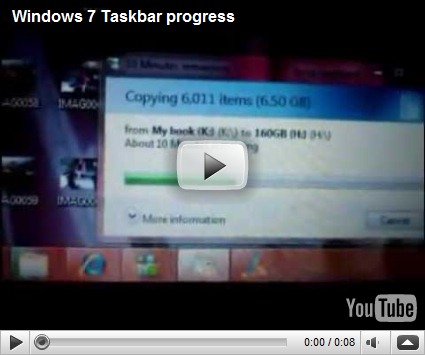
Strange relation between copying and the taskbar icon.

I just noticed one of the new enhancement features in Windows 7 which related to the Information workers where they copy files while they are doing another task and as they need to know the status for there copying so Windows 7 relates the copy progress bar with task bar icon for you Windows Explorer like in the below snapshots.

image

image

Creating VHD disks natively with Windows 7 / Windows Server 2008 R2

There is a new enhancement in the next version of Windows “Windows 7 Client and its server Windows Server 2008 R2” which allow you to attach the VHD directly using Disk Management Snapin or Diskpart command.

image

image

image

Saturday, March 7, 2009

Enable Hyper-V Virtual Machines to access the internet through Wireless Network Adapter

I have faced another challenge today in Hyper-V

I need to allow Virtual Machine Access to the internet thought the Wireless Network card
as It is not allowed by Microsoft to allow connectivity between the Parent Partition( the Host Machine) and other partition throught Wireless network card

so I found that we can Use Internet Connection sharing feature
simply

Start Hyper-v Manager

From the Actions menu, click Virtual Network Manager.

image

Give a name to the connection

image

in the Control Panel\Network and Internet\Network Connections

find out the name assigned for the new Network connection like Local Area Connection 4

image

then open the properties page for your wireless adapter then select Sharing Tab then choose Allow other network users to connect through this computer’s internet connection then select your network card like

image

Tuesday, March 3, 2009

List disk free space for disks locally using PowerShell

I was thinking about how to get the free space from all drives using single command.

image

Saturday, February 28, 2009

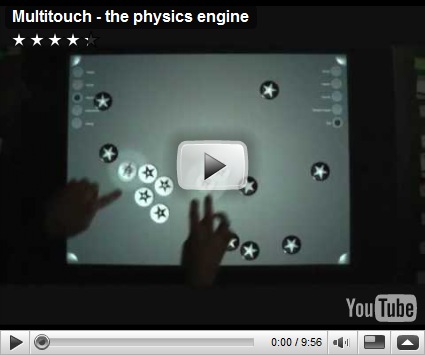
Multi-touch - The Physics Engine

Enjoy this new video about Microsoft Surface application that supports realistic physics interaction between objects.